
If you’ve been working with Tally for a while, you already know how much your business depends on it. Every invoice, ledger entry, GST report—it’s all there. Now imagine losing all of that in one go. No warning, no recovery. Just gone.
It happens more often than people like to admit. A system crash, accidental deletion, virus attack—any one of these can wipe out months (sometimes years) of accounting data.
The surprising part? In most cases, the problem isn’t the failure itself—it’s poor backup habits. Beginners especially tend to overlook this area or assume a simple backup once in a while is enough.
This blog is not just about listing mistakes. It’s about showing you where things usually go wrong and how you can fix them before they cost you real damage.
What is Tally Backup?
In simple terms, a Tally backup is a duplicate copy of your company data stored separately so you can restore it if something goes wrong.
TallyPrime makes this process quite straightforward, but just because it’s easy doesn’t mean it’s always done correctly.
There are generally three ways people handle backups:
- Manual backup – You take it yourself whenever you remember
- Automatic backup – Scheduled using tools or add-ons
- Cloud backup – Data stored online instead of physical devices
Each has its place, but relying on just one (especially manual) is where most issues begin.
Why Tally Data Backup is Critical
Think of your Tally data as the financial memory of your business. Losing it isn’t just inconvenient—it can bring operations to a halt.
A proper backup system helps you:
- Recover quickly from system failures
- Avoid re-entering massive amounts of data
- Stay prepared for audits
- Keep your business running without disruption
It’s one of those things you don’t think about—until you really need it.
Common Tally Backup Mistakes Beginners Must Avoid
1. Not Taking Regular Backups
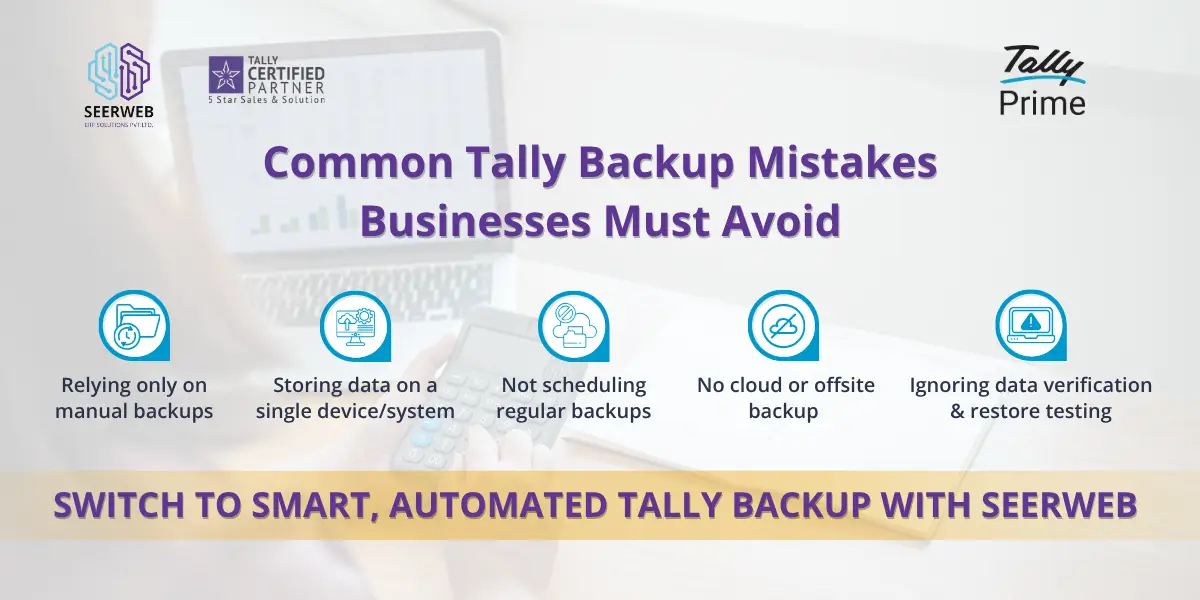
This is the most basic mistake—and also the most dangerous. Many users take a backup once and assume they’re covered.
What goes wrong:
Let’s say you last backed up your data 15 days ago. If your system crashes today, you lose everything entered in those 15 days. That’s not just data—it’s time, effort, and possibly money.
What to do instead:
Make backups part of your routine. Daily backups are ideal if you have frequent transactions. At the very least, don’t go beyond a week.
2. Storing Backup on the Same System
It feels logical—your system has space, so why not store backups there?
What goes wrong:
If your computer crashes or gets infected, both your original data and backup disappear together.
What to do instead:
Always keep a copy outside your system. A simple external hard drive or even a pen drive is better than nothing. Cloud storage is even safer.
3. Overwriting Old Backup Files
A lot of people overwrite backups to “keep things clean.”
What goes wrong:
You lose previous versions of your data. If you ever need to go back to an older state (which happens more often than you think), you won’t have that option.
What to do instead:
Keep multiple backups. Storage is cheap; lost data is not.
4. Not Verifying Backup Files
Most users assume that if the backup process completes, everything is fine.
What goes wrong:
Sometimes backup files get corrupted without any obvious sign. You only realize it when you try to restore—and by then, it’s too late.
What to do instead:
Once in a while, try restoring a backup on another system. It takes a few minutes but gives you peace of mind.
5. Ignoring Backup Location Path
Ever saved something and then couldn’t find it later? Same thing happens with backups.
What goes wrong:
Backups end up scattered across folders, making them hard to locate when needed urgently.
What to do instead:
Create a fixed folder structure. For example:Tally Backup → Company Name → Date
Simple, clean, and easy to manage.
6. Taking Backup During Active Use
This usually happens in offices where multiple users are working on Tally at the same time.
What goes wrong:
The backup may capture incomplete or inconsistent data because transactions are still being processed.
What to do instead:
Take backups when no one is using the system—end of day is usually the best time.
7. Not Using Proper Naming Conventions
This seems small, but it creates a lot of confusion later.
What goes wrong:
Files like “backup_new” or “final_backup” don’t tell you anything. When you need to restore, you’ll waste time figuring out which one to use.
What to do instead:
Use clear names with dates. Something like:ABCCompany_2026-03-30
You’ll thank yourself later.
8. Skipping Backup Before Updates
Updates are routine, so people often ignore backups before installing them.
What goes wrong:
If something goes wrong during the update, your data could be affected.
What to do instead:
Before any update—Tally, Windows, anything—just take a backup. It’s a simple safety step.
9. Not Securing Backup Files
Backups are often treated casually, but they contain sensitive financial information.
What goes wrong:
Anyone with access to those files can misuse your data.
What to do instead:
Use password protection or secure storage. If you’re using cloud services, make sure they’re reliable and encrypted.
10. Relying Only on Manual Backup
Manual backups depend on memory—and let’s be honest, we all forget.
What goes wrong:
Missed backups create gaps in your data history.
What to do instead:
Use automation wherever possible. Even a simple scheduled backup can make a big difference.
Best Practices for Safe Tally Backup
If you want to stay on the safer side, follow these habits consistently:
- Stick to the 3-2-1 rule (3 copies, 2 storage types, 1 offsite)
- Use cloud storage along with physical backups
- Automate backups to avoid dependency on memory
- Test your backups occasionally
These aren’t complicated steps—but they make a huge difference over time.
Step-by-Step Guide to Take Backup in Tally
If you’re new to Tally, here’s how you can take a backup:
- Open Tally
- Select your company
- Go to the Backup option
- Choose the destination folder
- Confirm and complete the process
That’s it. The process is simple—the discipline is what matters.
Tools & Add-ons for Backup Automation
If you’re running a business where transactions happen daily, manual backups won’t be enough.
There are tools and add-ons available that can:
- Automatically take backups at scheduled times
- Save them to external or cloud locations
- Reduce the chances of missing a backup
Automation doesn’t just save time—it reduces risk significantly.
Conclusion
Most Tally backup mistakes don’t happen because people don’t care—they happen because people assume “it won’t happen to me.”
But when it does, the impact is immediate and often stressful.
The good part is that avoiding these mistakes doesn’t require technical expertise. Just a bit of consistency, some basic planning, and the right habits.
If you take backups seriously today, you won’t have to deal with panic tomorrow.